What’s LivingUtopia?
It was something totally unusual for me. It turned out to be a project for Ukrainian Cultural Foundation that involved theater-like performances partly live, partly in augmented reality(AR). So I was responsible for creating application and supporting it all the way. Sounded easy while I was doing literally what was requested. Switching to do what really should be done to make this project work, was completely another thing.
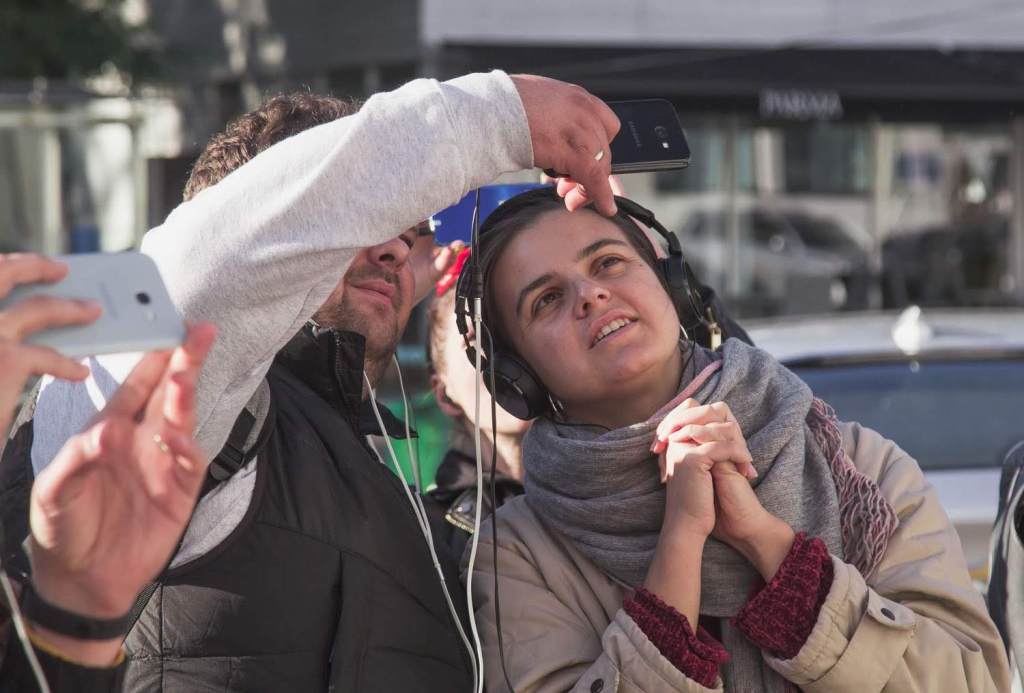
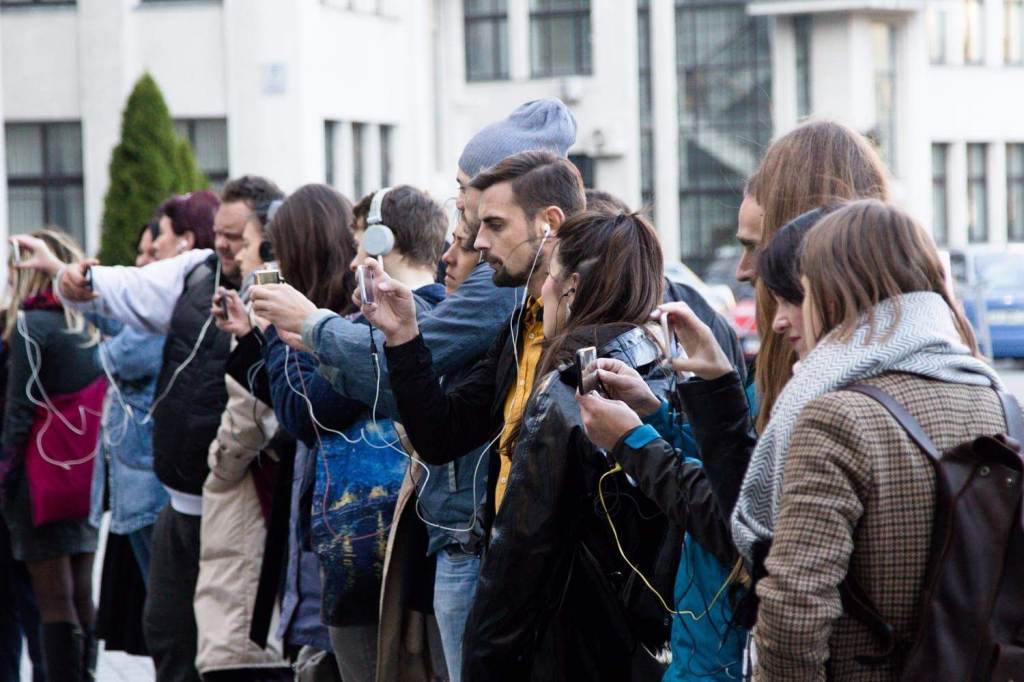
Performance idea was pretty sraightforward: people travel through exhibition locations. They’re holding phones to see AR videos and earphones to listen performance narrative. Then at some point, actors from augmented reality appear in actual reality and continue performance there. Basically you can see how it looked like on this video:
Devices, or why AR is not everywhere yet
Among different augmented and virtual reality technologies, the one using mobile phone camera is a most popular – as of 2019 there are nearly a billion of such devices around.
But still its statistics, what do we get if we really and practically want devices to use AR? Well, first we need to check what devices are officially suitable, and the list is rather short. Therefore, we couldnt rely on our visitors having whats needed. As it turned out, we were right, there were nearly 5% people actually with such phones among our visitors. So we rented devices from that list ourselves. But there was a human mistake – instead of Galaxy Tab S4 we received Galaxy Tab 4. The difference was faint and not admitted, so we’ve got a pile of useless tablets and our budget already spent.
We needed a plan B. So we swiped through all city second-hand stores and found enough cheap used phones. All different, with different performance. So I had to test on each of them individually, and for a good reason – there were few cases that looked like one device just refused to work. Later such bugs of cource find a perfect explanations, but at start they just stun you. But at least we managed to find the way to save the very dance performance.
Offline reality
Next story is among that stories about software development, when something works totally fine at developer side, and is completely dead at the client’s side. So the guide should be able to press a button and all visitors started watching same video simultaneously. That meaned network control over visitor’s devices from admin(guide) device. Ok, that was all done and we went to test it. Thank God we did tests on the very location where LivingUtopia took place – nothing worked there. There were concrete walls around – so cell connection was weak. And when each connection is weak, there is no chance that all visitors phones will be online at the same time to start performance.
So I had to make offline application mode – each visitor received his “play” button and guide was just telling when to press.
AR heart
AR heart is its ability to position not real objects in real space.
All augmented reality actors had to be at specific places. One actor climbs that wall, one actor near that tree etc. How does one make positioning in AR? Common way is to use markers (just noticeable pictures glued somewhere nearby) and position our videos with actors relative to them. But as it turned out, word “noticeable” has a very narrow meaning in our case.
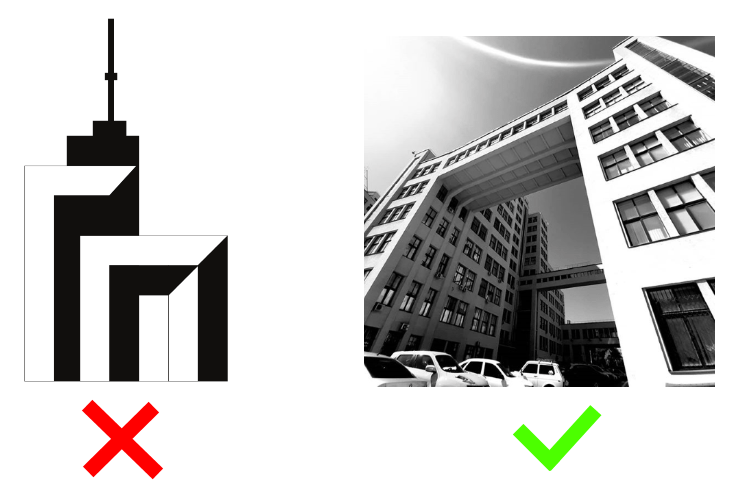
At first, artists wanted them in specific style – somewhat abstract. And that was definitely not working – AR wants lots of featurepoints to be on a marker, so it should be rich with details and color gradients. Then we used photos, it still also worked bad. After lots of tests, I found that markers quality also heavily rely on aspect ratio. It should be not far from square to work well.
At first I tried all markers in test builds, but then found an awesome tool to use – arcoreimg , it just tells whether a picture is suitable to be a marker. Lifesaver.
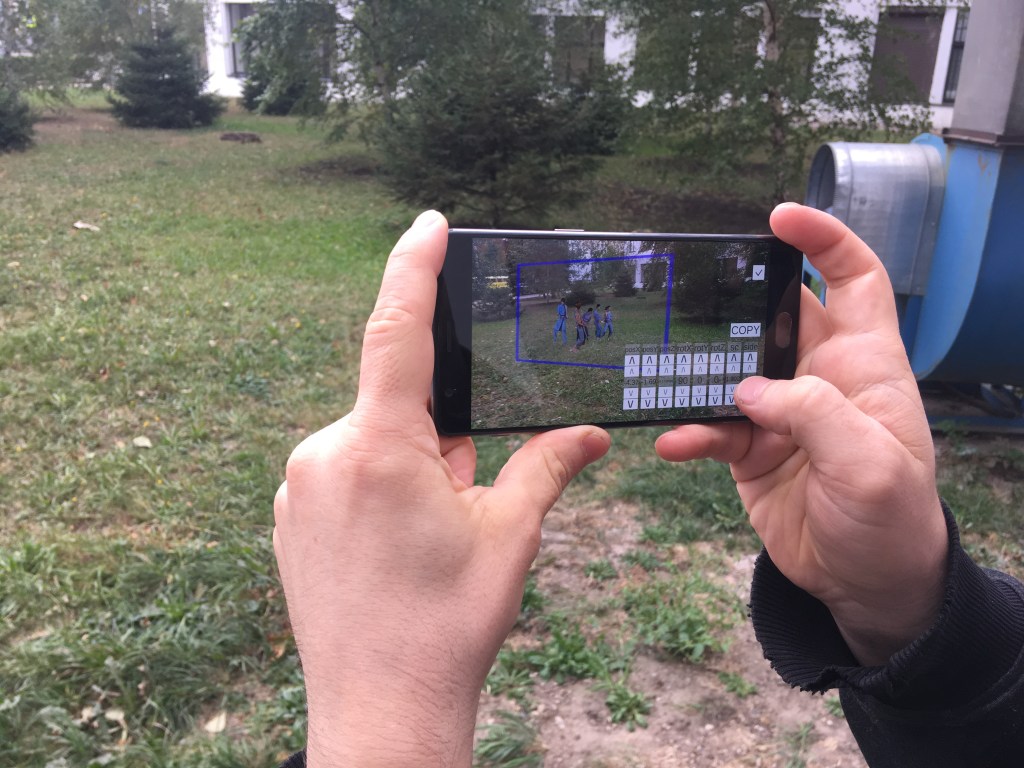
But how to position the very video relative to a marker? It’s easy in theory – just “put a video two meters left from the marker”. No such thing can happen in reality.
To fulfil that task I had to create a special “positioning mode” in application. So I could see video boundaries, move it in all 3 directions, rotate at 3 axises and even scale. Than remember positioning and use it in normal mode.
Android Zoo
Androids just resisted showing videos. It was a real quest to show partly transparent video on all that different phones. The thing is that videos are often hardware-accelerated, and when hardware is so different as we had (remember that we bought out almost all all suitable second-hand devices in the city). And partly transparent video formats are rare on itself. That restricted our video formats options a lot. Plus Unity should support that format. So having all that in mind, reading documentation, I found that only one format is suitable – webm with VP8 codec. Recompressed everying in it and finally got all androids showing vieos and transparency.
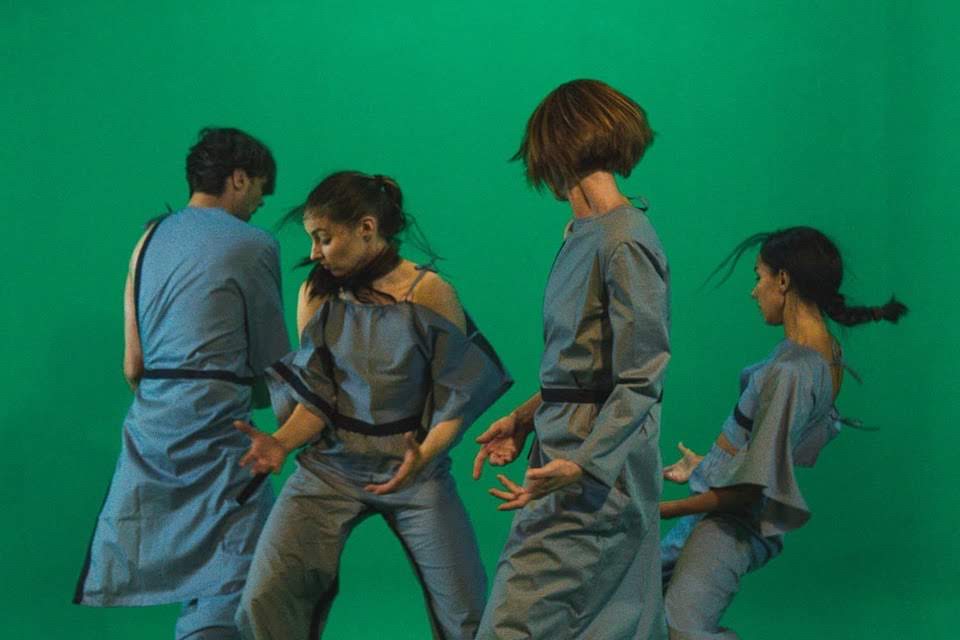
The last problem with video was jerkyness. It appeared jerky on half of phones. This was because AR takes lots of CPU performance, video decoding also takes much. So when they combine, its tough on older devices. Fortunately, recompressing them to be twice smaller resolution than FullHD helped with that.
Show must go on
This had to be the easiest part – just give them phones and let them watch. Yes, when developer tests everything himself, it works. But then reality hit me hard.
So imagine someone watches AR performance and needs to move few steps to give another visitor space. What does he do? He drops phone down, effectively breaking AR positioning on it, moves few steps and then brings phone up back – assuming everything is fine. And it not the worst – people closed camera accidentally with their fingers, someone moved too fast, someone just held the phone having “home” button pressed. There were a lot of things that broke AR. Some problems were more complicated – when people are in a crowd, each person’s camera sees other moving persons and no static environment – it also breaks positioning, because AR assumes that most of what it sees is a static environment.
There was no solution except to just personally help everybody avoid those things. So I run among our visitors just helping whoever got in trouble.

Nightmode AR
Somehow last performance viewing was scheduled in evening, after it gets dark. Whoever did that scheduling definitely didnt understand what was he scheduling. AR works based on what camera sees. And when its dark, it sees black. So its technically impossible to work in evening.
What can be a solution here? Add lamps? We tried but, there should be really strong ones. This does not work. But stop, this all AR-thing was to position videos at correct spots on camera image, so they look nice like they’re in real world. Therefore on black image there is no correct position. So videos can be anywhere with the same effect. So this is what I did, I just made almost invisible button that puts AR performance into “night mode”: turns off actual AR and just show videos on top of camera feed somewhere near the center of screen. Desperate times require desperate means. It worked great in the end, nobody noticed what happened.

So perforamce happened and happened successfully, despite all problems.

 Блог Антона Пендюра